Wall art size guide: free size charts for five print ratios
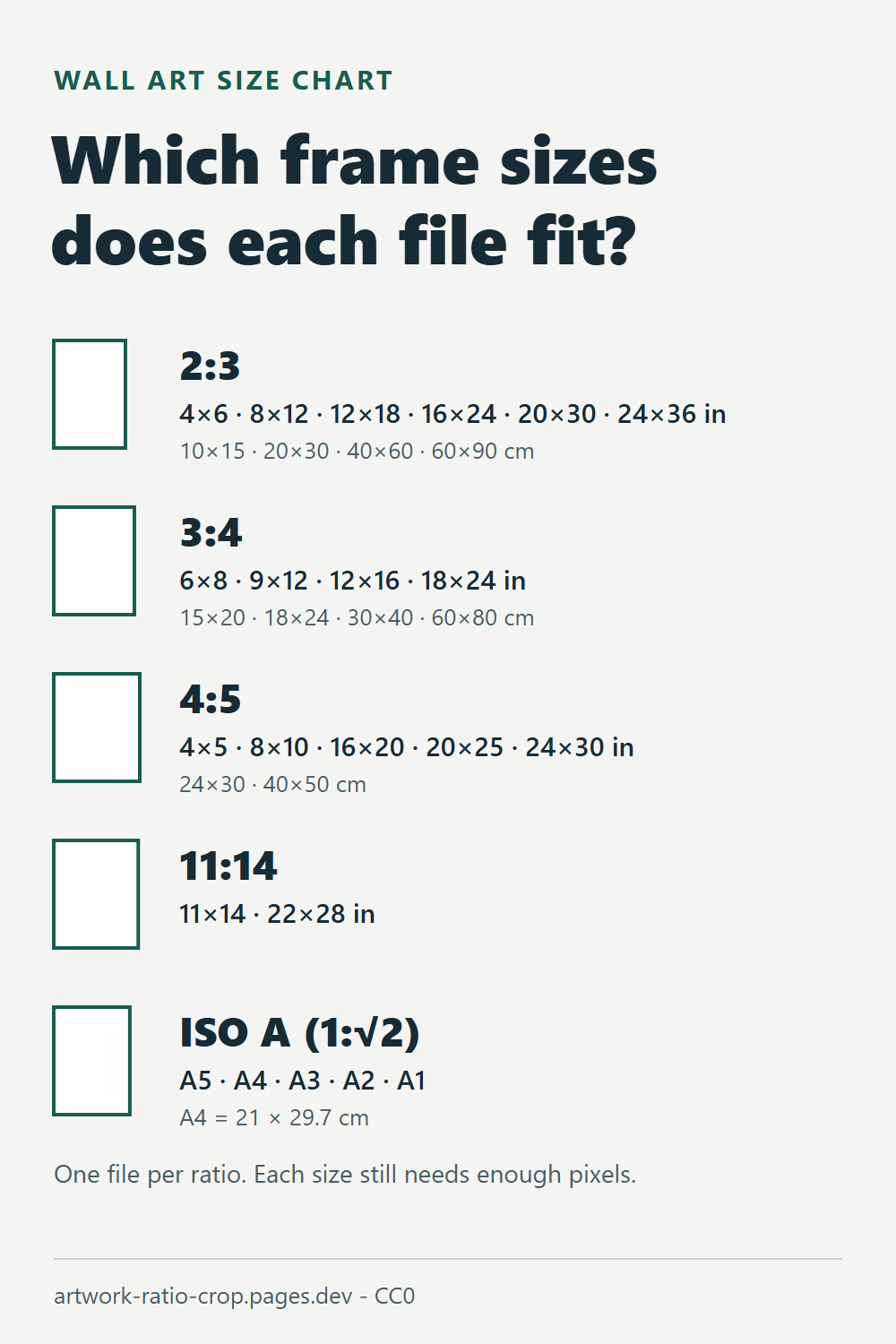
These 8 PNG charts show which frame sizes each print-ratio file covers: one chart per ratio (2:3, 3:4, 4:5, 11:14 and ISO A), an overview of all five, and two tall 1000 × 1500 px versions (2:3) for pinning. A script draws them from the same size data as the print ratio chart; no AI image generator was used.
License: CC0
CC0 1.0: free to use, modify and redistribute, including commercially, no attribution required. To the extent possible under law, Barry, who made these size chart images, has waived all copyright and related or neighbouring rights to them under CC0 1.0 Universal. You can put the charts in your own listing photos, recolour or translate them, or crop off the small “artwork-ratio-crop.pages.dev - CC0” line. The dedication covers only these chart images. It does not cover the Artwork Ratio Crop name or logo, the editor software, or the text of this site.
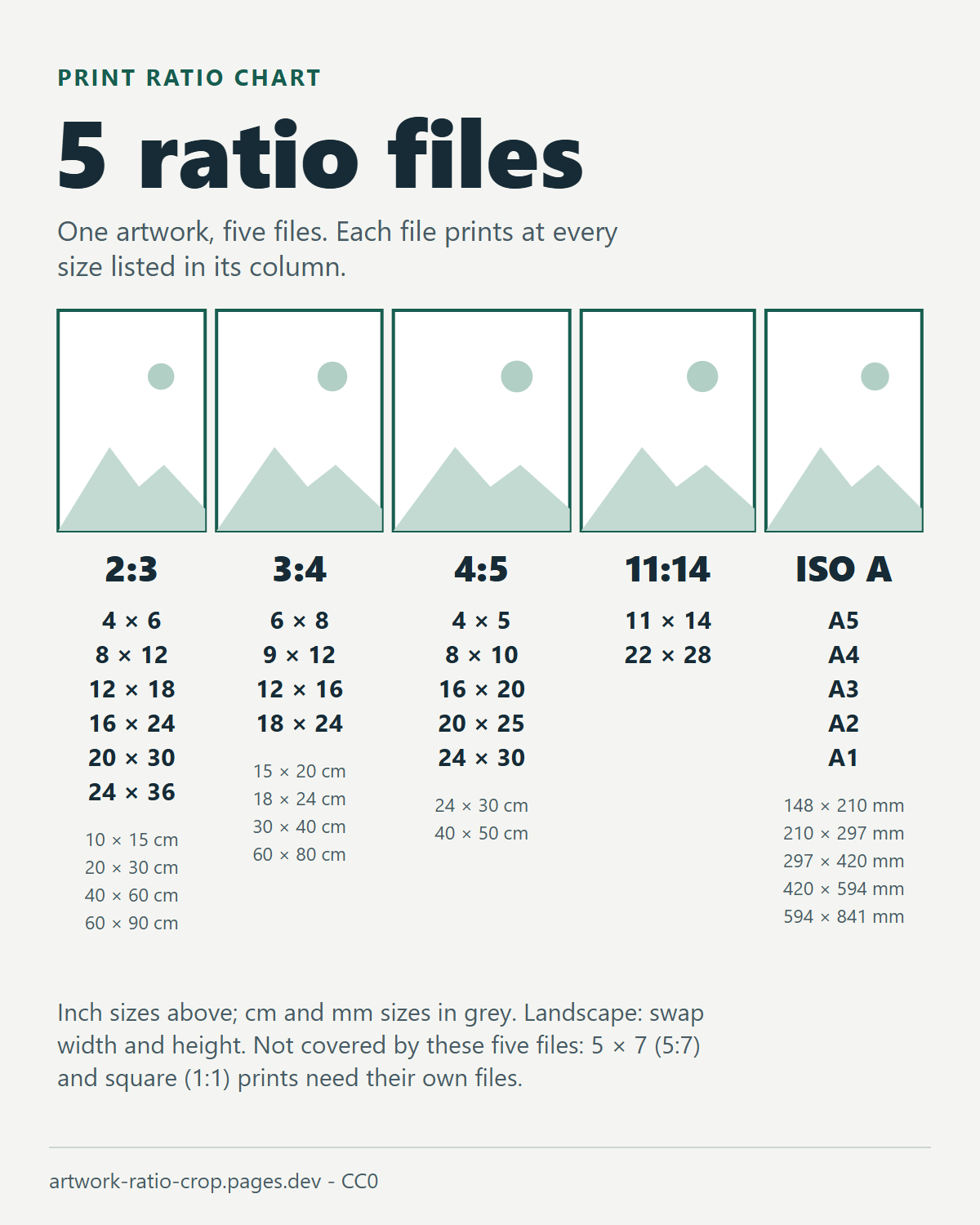
All charts
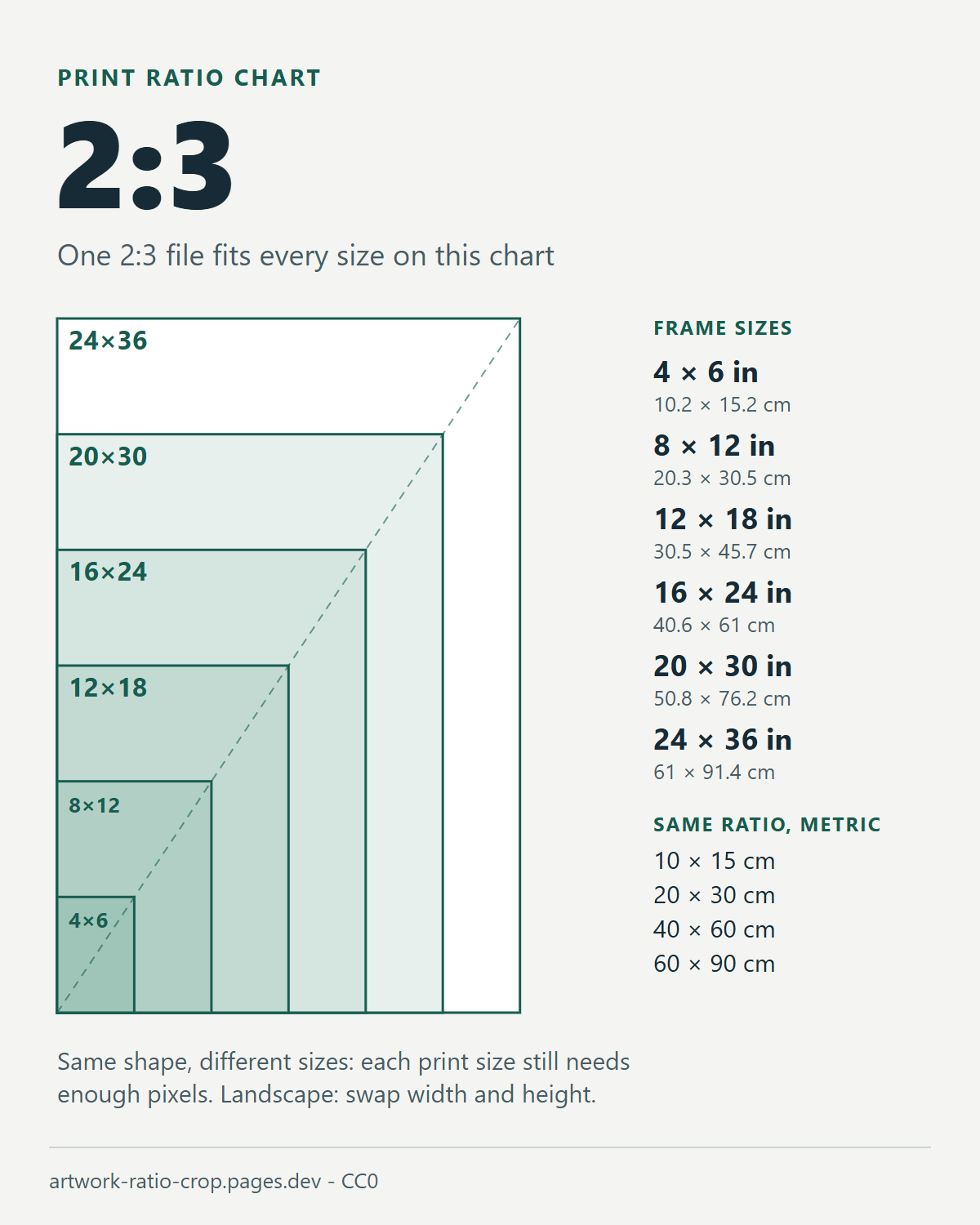
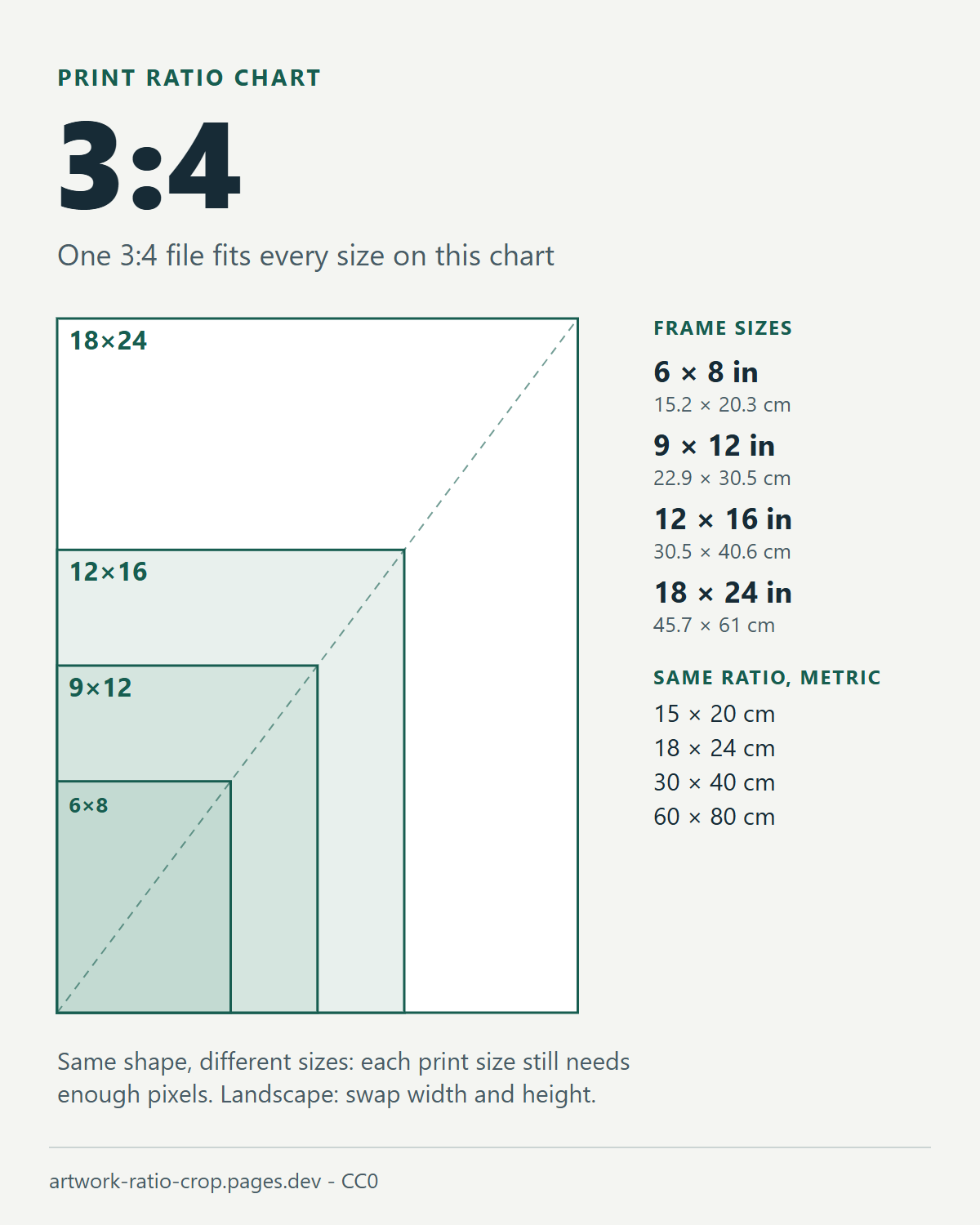
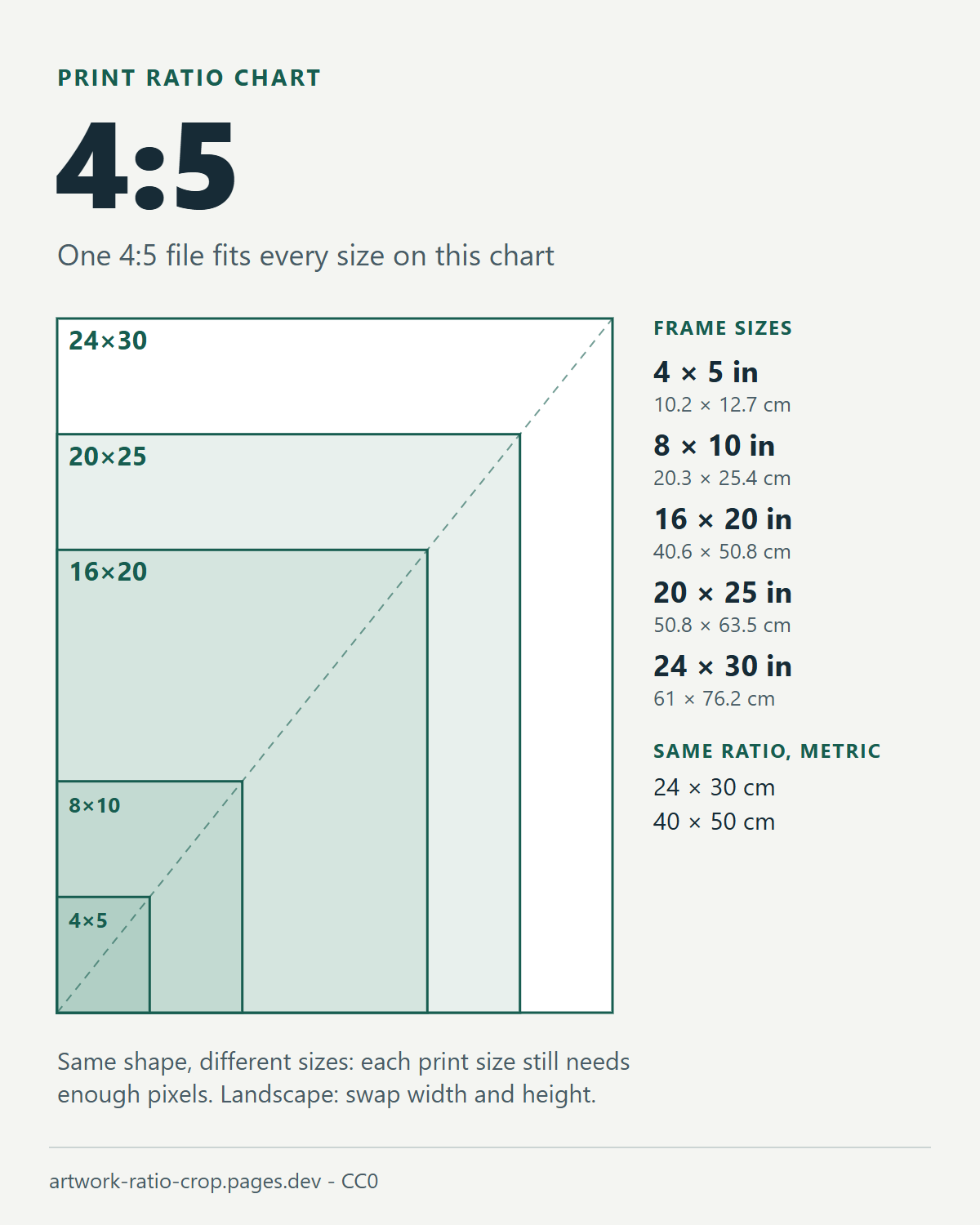
How sellers use a size chart in listing photos
- Show what the download covers. A chart among the listing photos answers “will this fit my frame?” before a buyer has to ask.
- Match the chart to the files. If you deliver only 2:3 and 4:5, show those two charts (or edit the overview) so the images do not promise sizes you do not include.
- Name files by ratio. This editor names each JPG with its ratio and pixel size, for example
artwork_4x5_3277x4096.jpg, so buyers can match the file to the chart. - Orientation. A portrait file does not become landscape without a new crop. Mention which orientations are included.
- Resolution. List the sizes your pixels can print sharply, or state the effective PPI at the larger sizes (see what a 4096 px file covers).
Common mistakes
- Treating ratio as resolution
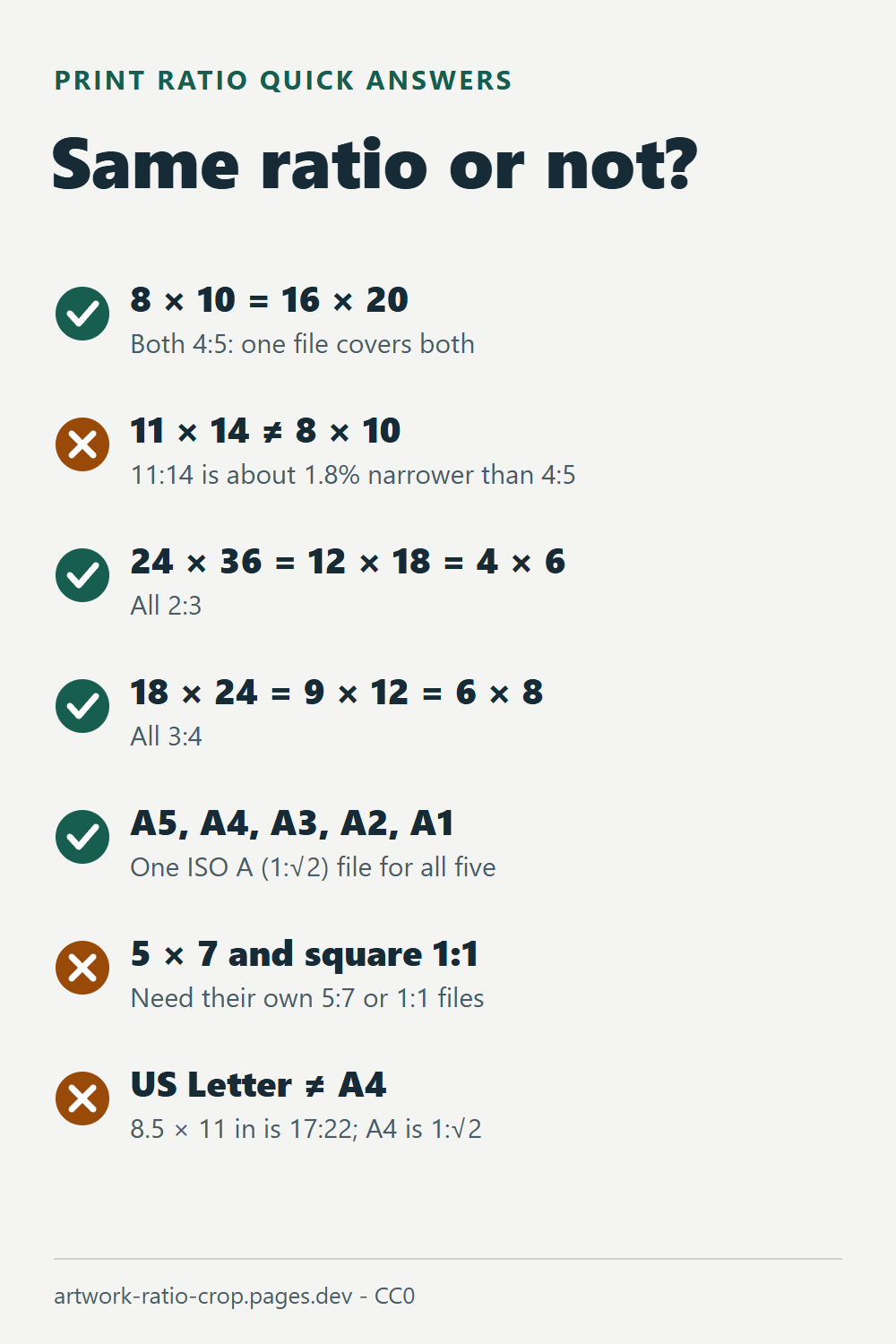
- 8 × 10 and 16 × 20 share the 4:5 shape, but at 300 PPI 8 × 10 needs 2400 × 3000 pixels and 16 × 20 needs 4800 × 6000: four times as many pixels. The right shape does not make a small file large enough.
- Believing the DPI tag
- Changing a JPG's DPI field from 72 to 300 adds no pixels and no detail. A 2400 × 3000 file prints 8 × 10 in at 300 PPI whatever its tag says; print software can also ignore the tag.
- Using a 4:5 or 2:3 file for 5 × 7
- 5 × 7 is 5:7, its own shape. Filling a 5 × 7 frame trims about 10.7% of one side of a 4:5 file, or about 6.7% of a 2:3 file. Offer 5 × 7 only with a dedicated 5:7 file (this editor has no 5:7 crop preset).
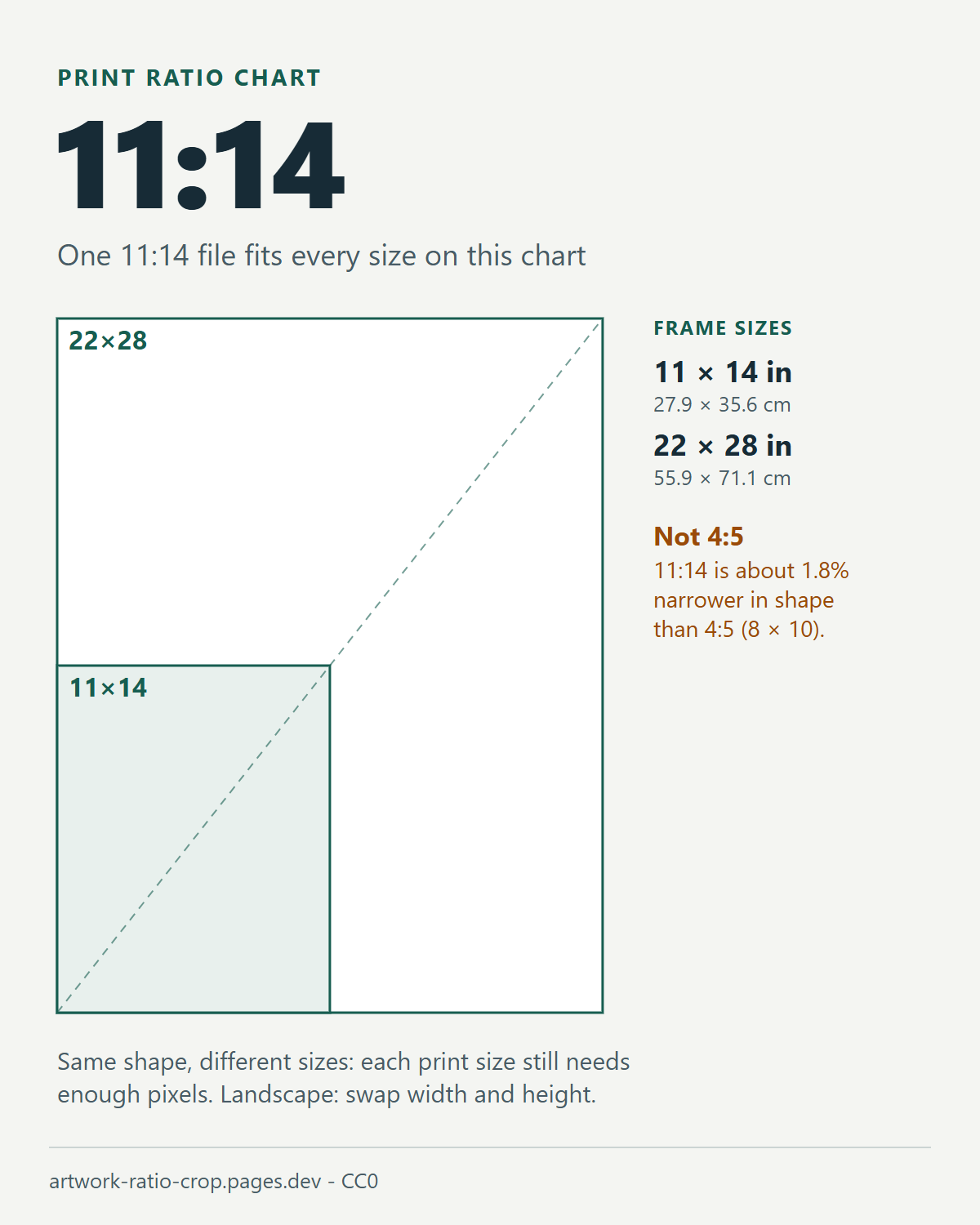
- Calling 11 × 14 a 4:5 size
- 11:14 is about 1.8% narrower than 4:5. Small, but enough to cut a signature or border at the edge.
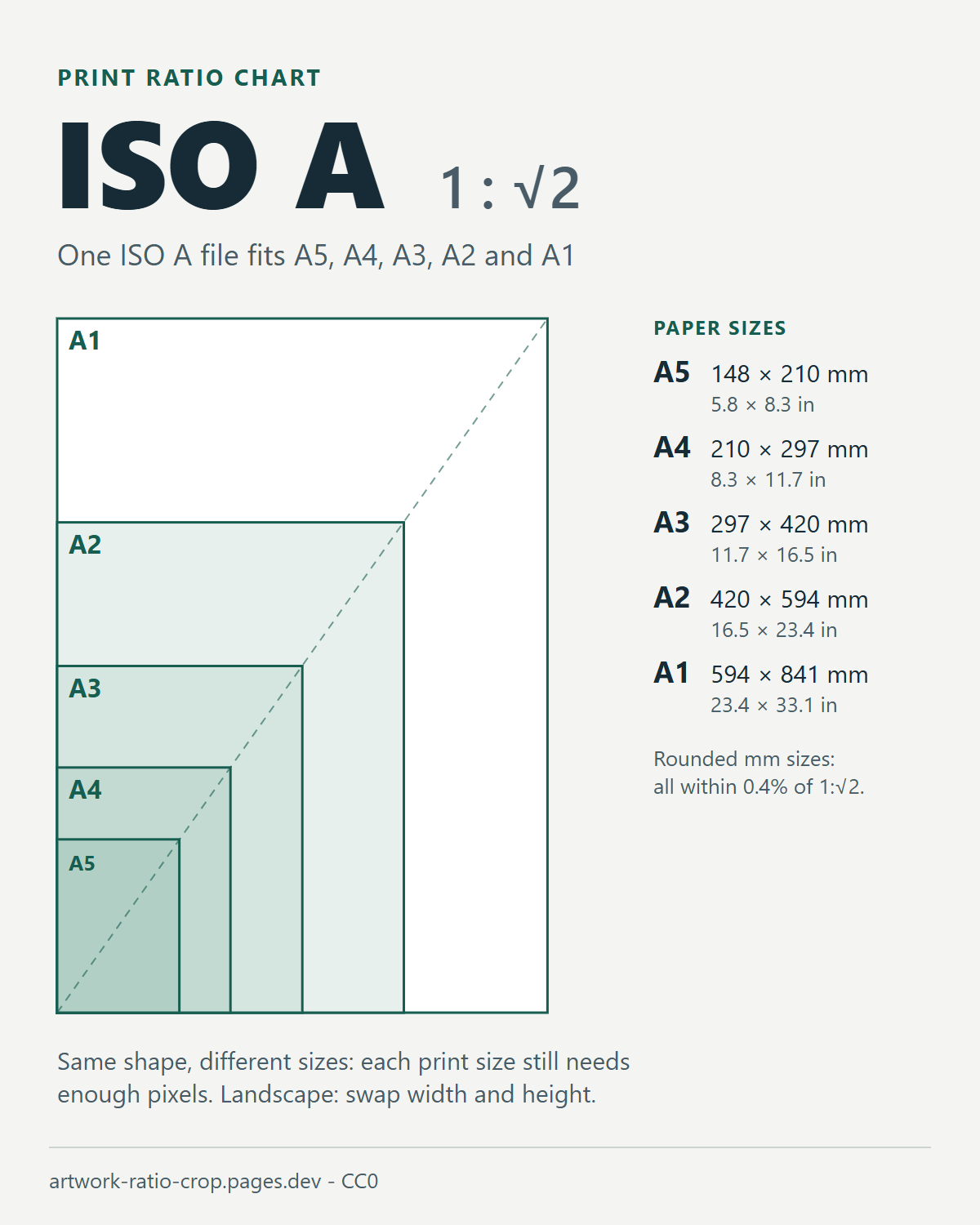
- Mixing up A4 and US Letter
- A4 is 1:√2 (210 × 297 mm); Letter is 17:22 (8.5 × 11 in). A file for one does not exactly fill the other.
What a 4096 px file covers at 300 PPI
This editor exports at most 4096 pixels per side and never upscales. From an original large enough for the crop, this is what its largest files cover at 300 PPI: 2:3 up to 8 × 12 in, 3:4 up to 9 × 12 in, 4:5 up to 8 × 10 in, 11 × 14 at about 293 PPI, and ISO A up to A4. When a chart lists bigger sizes than that, say so in the listing or state the effective PPI; the Etsy printable sizes page gives the exact pixel sizes and the effective PPI at every larger frame size. 300 PPI is a common target for prints viewed up close, not a rule; larger prints are often viewed from further away. A 24 × 36 in print at 300 PPI needs 7200 × 10800 pixels, which this editor cannot produce.
Need files larger than 4096 px? Email moon951753@gmail.com with the print size you need. It helps decide whether to raise the limit; there is no promise or date.
Open the free editor and make the five ratio files
Print ratio chart · Etsy printable sizes · Pixels and 300 PPI
Updated: